Finished - January to April 2026
Displaying Videos on a VEX V5 Brain
Custom image compression and a lightweight renderer for real-time animation on a constrained embedded system.
Intro
In 2026, I competed in the VEX V5 Robotics Competition with my team, the Imagineers. While I was working on the robot and writing autonomous code, I started this side project to make our robot feel a bit more alive.
The idea was simple: give the robot a face that could react during a match. We were programming with PROS, a C++ framework for VEX developed by Purdue University, but PROS does not come with built-in image or video rendering. If I wanted animations on the Brain, I had to build the pipeline myself using the basic drawing functions available on the screen.
Once I solved still images, video became a sequencing problem. The full system converts PNG frames into compact data vectors, then reconstructs them directly on the Brain during runtime.
Converter
I wrote the converter in Python because it is the language I reach for fastest. The first version was inspired by a tool from Suhjae that converts PNG images into compressed C++ vectors for the V5 Brain.
Later, I rewrote the approach to work better for animation. Instead of creating a new colour palette for every frame, I used one shared palette across the whole sequence. Each image is quantized down to 16 colours, then every pixel is mapped to the closest palette entry. That cuts down the amount of repeated data and keeps the frames much smaller.
The encoded stream combines run-length encoding with inline colour changes. Negative values switch the current palette colour, and positive values tell the renderer how many pixels to draw using that colour. If a pixel has not changed since the previous frame, the converter can mark it to be skipped, which helps animation performance.
Renderer
The renderer is written in C++ and uses the same fixed palette as the converter. At runtime, it reads the compressed data vector and rebuilds each frame on the Brain.
Drawing one pixel at a time would be too slow, so the renderer draws horizontal runs instead. Runs are allowed to continue across line boundaries on the 480x240 display, and the renderer splits them automatically when needed.
The renderer also skips unchanged regions by moving the draw position forward instead of redrawing identical pixels. It runs at about 24 FPS with a 42 ms delay in its own thread, keeping it away from the robot control code and avoiding unnecessary load on the Brain.
The Face
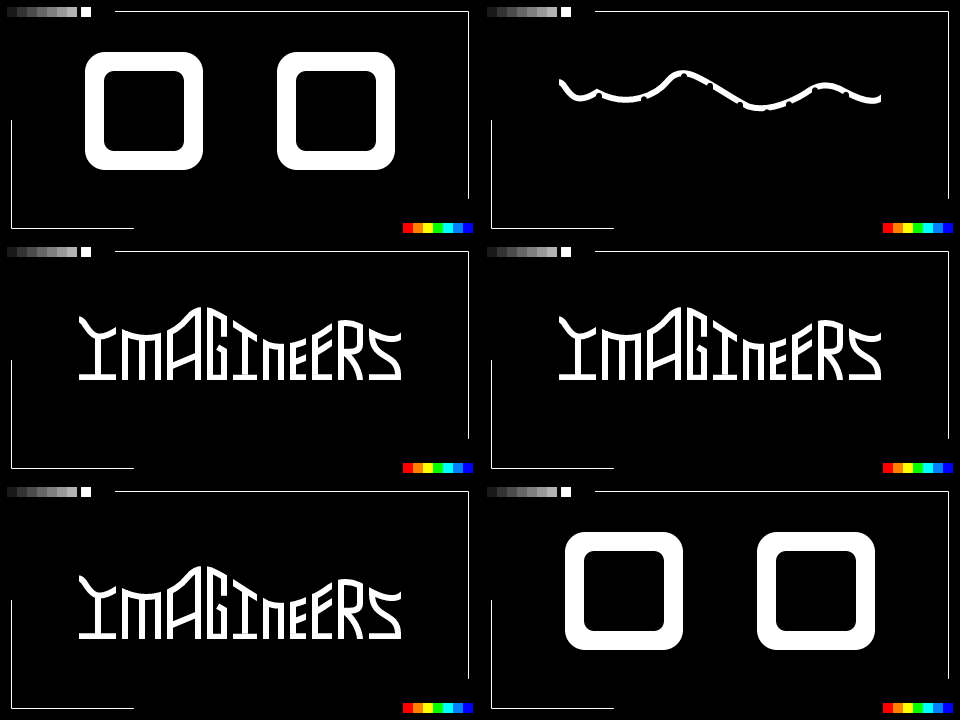
After the renderer worked, I still needed something worth rendering. The face was heavily inspired by Pudu Robotics' BellaBot. I made the animations in Rive, exported them as PNG sequences, and then ran those frames through the converter.
Once the animations were loaded onto the Brain, I added a simple state machine that changed expressions based on controller input. When the robot was idle, it cycled through idle animations on its own so the face did not feel frozen.